Explore a curated collection of official Aspire sample projects. Each sample is a fully functional application
you can clone and run to learn patterns for databases, messaging, cloud services, and more.
AspireShop.Frontend: This is an ASP.NET Core Blazor app that displays a paginated catlog of products and allows users to add products to a shopping cart.
AspireShop.CatalogService: This is an HTTP API that provides access to the catalog of products stored in a PostgreSQL database.
AspireShop.CatalogDbManager: This is an HTTP API that manages the initialization and updating of the catalog database.
AspireShop.BasketService: This is a gRPC service that provides access to the shopping cart stored in Redis.
The app also includes a .NET class library project, AspireShop.ServiceDefaults, that contains the code-based defaults used by the .NET service projects.
ImageGallery.Frontend: This is a Blazor app that displays a for uploading of images, showing thumbnails of images in a grid.
ImageGallery.Functions: This is an Azure Function triggered by the arrival of a new blob using a Functions Blob Trigger.
The app also includes a class library project, ImageGallery.ServiceDefaults, that contains the service defaults used by the service projects, and the ImageGallery.AppHost Aspire App Host project.
This sample demonstrates integrating a Node.js app and an ASP.NET Core HTTP API using Aspire.
The sample consists of two apps:
NodeFrontend: This is a simple Express-based Node.js app that renders a table of weather forecasts retrieved from a backend API and utilizes a Redis cache.
AspireWithNode.AspNetCoreApi: This is an ASP.NET Core HTTP API that returns randomly generated weather forecast data.
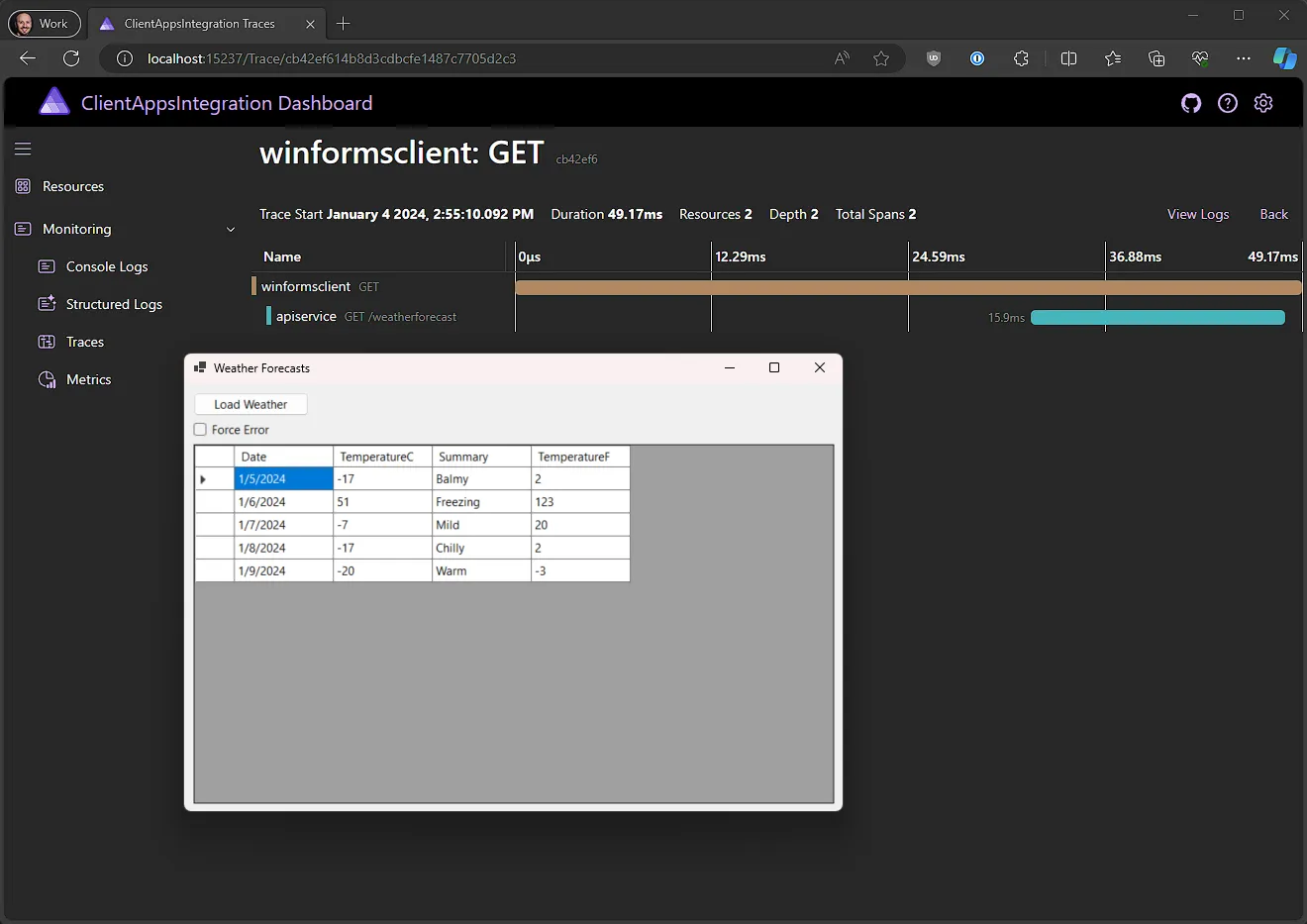
This sample demonstrates working with client apps such as WinForms, WPF, etc., in an Aspire app, such that the client app is launched along with the AppHost project, can resolve services via service discovery, and logs, traces, and metrics are sent via OpenTelemetry to the dashboard.
The app is based on the Aspire Starter App template, with the following additional elements:
ClientAppsIntegration.WinForms: This is a WinForms application that displays the results of calling the weather API service application.
ClientAppsIntegration.WPF: This is a WPF application that displays the results of calling the weather API service application.
ClientAppsIntegration.AppDefaults: This is a class library that defines the default configuration for orchestrated apps. It's a more general version of the typical ServiceDefaults class library that's included in Aspire apps. The ClientAppsIntegration.WinForms and ClientAppsIntegration.WPF projects reference this project and calls its AddAppDefaults() method.
ClientAppsIntegration.ServiceDefaults: This has been modified from the default ServiceDefaults template to be based on and extend the ClientAppsIntegration.AppDefaults class library. The ClientAppsIntegration.ApiService project references this project and calls its AddServiceDefaults() method.
This sample demonstrates integrating applications into a Aspire app via Dockerfiles and container-based builds. This is especially helpful to integrate applications written in languages that Aspire does not have a native integration for, or to reduce the prerequisites required to run the application.
The sample integrates a simple app written using Go and the Gin Web Framework by using a Dockerfile:
ginapp: This is a simple "Hello, World" HTTP API that returns a JSON object like { "message": "Hello, World!" } from / and sends OpenTelemetry instrumentation to the Aspire dashboard.
This sample demonstrates how to write custom resources for Aspire hosting integrations. This is useful when you want to integrate something into the Aspire development experience as a resource that isn't an executable or container. Custom resources can particpate in the Aspire development experience, including the dashboard, and can be used to integrate with other tools or services.
Custom resources are defined using C# and generally consist of a class that implements the IResource interface and some extension methods to enable adding them to an IDistributedApplicationBuilder. Custom resources can publish and respond to events to give them "life" and allow them to interact with the rest of the Aspire application.
In this sample, we define a TalkingClock custom resource that spawns child ClockHand resources that tick on and off every second. We also define a TestResource custom resource that simply cycles through a set of states.
This sample demonstrates working with database containers in a Aspire app, using the features of the underlying container image to modify the default database created during container startup. This is especially helpful when not using an ORM like Entity Framework Core that can run migrations on application startup (e.g., as in the Aspire Shop sample) and handle cases when the database configured in the AppHost is not yet created.
The app uses the following database container types:
This sample demonstrates how to use Entity Framework Core's migrations feature with Aspire.
The sample has three important projects:
DatabaseMigrations.ApiService - A web app that uses the database.
DatabaseMigrations.MigrationService - A background worker app that applies migrations when it starts up.
DatabaseMigrations.ApiModel - The EF Core context and entity types. This project is used by both the API and migration service.
DatabaseMigrations.ApiService and DatabaseMigrations.MigrationService reference a SQL Server resource. During local development the SQL Server resource is launched in a container.
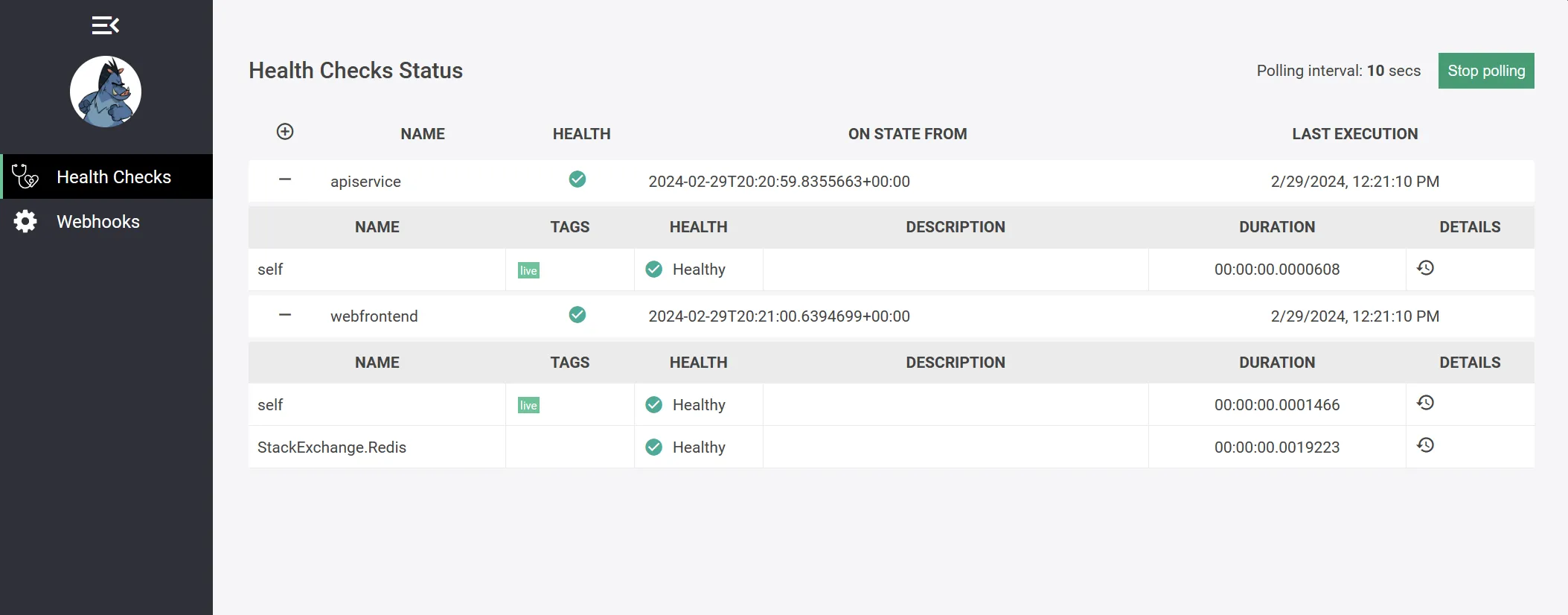
The sample is based on the Aspire Starter App project template and thus consists of a frontend Blazor app that communicates with a backend ASP.NET Core API service and a Redis cache.
View telemetry from any app in the Aspire dashboard. The dashboard supports running standalone, and apps configured with an OpenTelemetry SDK can send it data.
This sample is a .NET console app that downloads data from NuGet. The app sends telemetry to the Aspire dashboard which is viewed in the dashboard telemetry UI.
This sample demonstrates how to configure a SQL Server container to use a persistent volume in Aspire, so that the data is persisted across app launches. This method can be used to persist data across instances of other container types configured in Aspire apps too, e.g. PostgreSQL, Redis, etc.
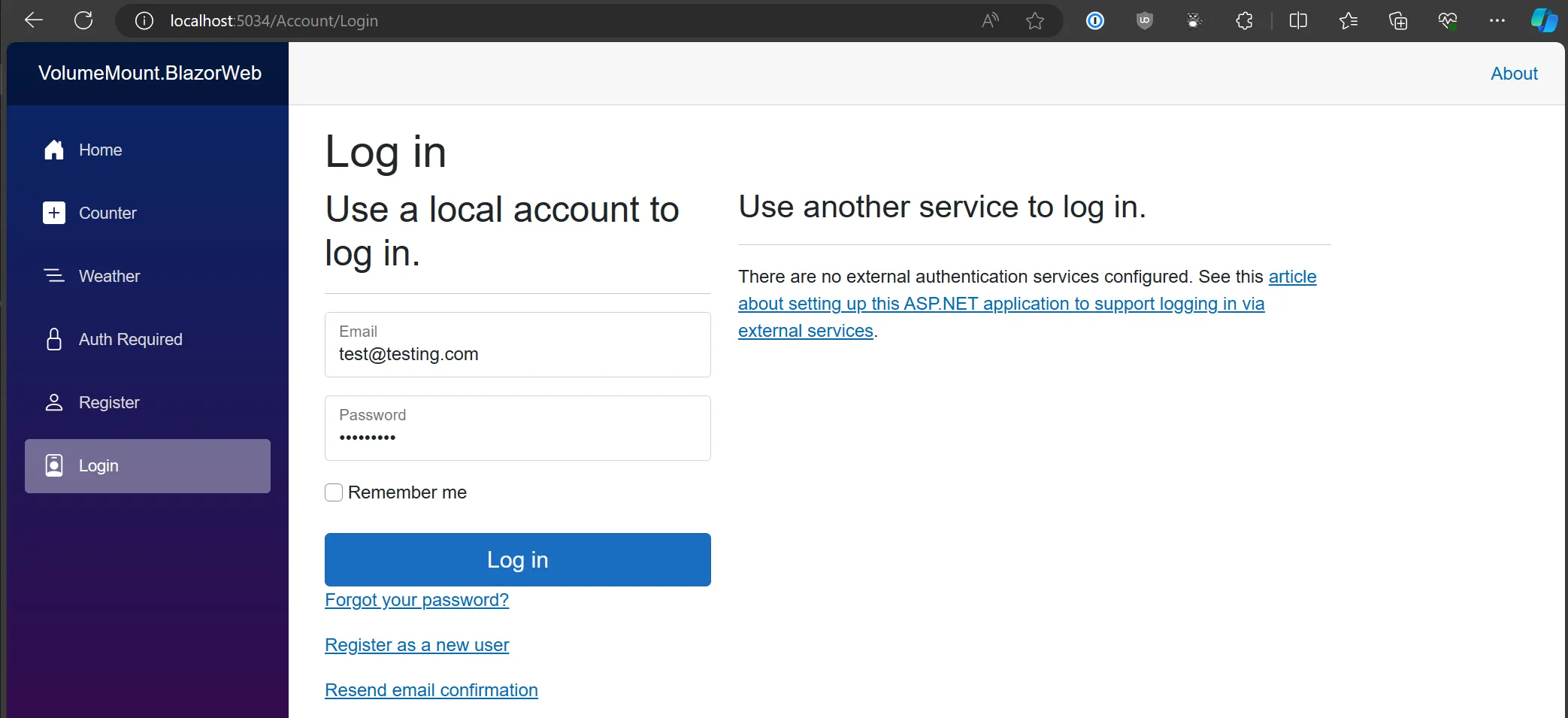
The app consists of a single service, VolumeMount.BlazorWeb, that is configured with a SQL Server container instance via the AppHost project. PostgreSQL and Azure Storage data services are also configured in the AppHost and Blazor projects for demonstration and experimentation purposes. This Blazor Web app has been setup to use ASP.NET Core Identity for local user account registration and authentication, including Blazor identity UI. Using a persistent volume means that user accounts created when running locally are persisted across launches of the app.
The app also includes a standard class library project, VolumeMount.ServiceDefaults, that contains the service defaults used by the service project.